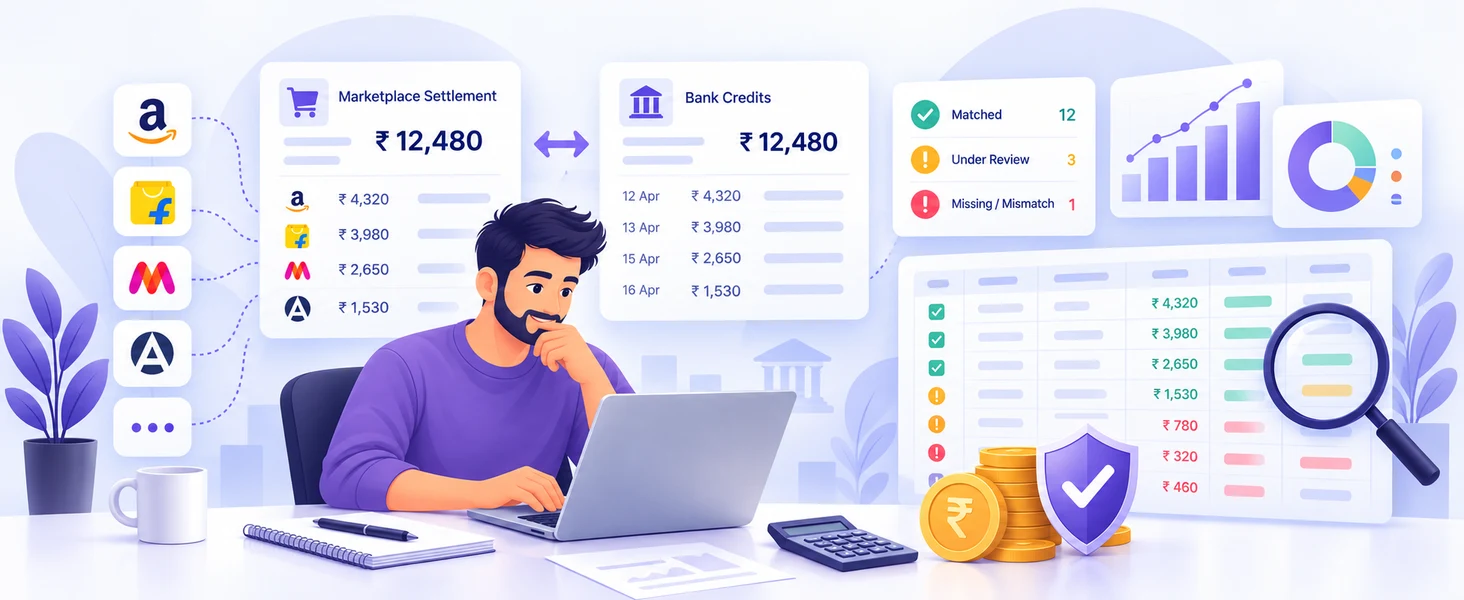
Learn how to match marketplace settlements with bank credits, identify payment differences and keep your seller finances organised with a simple reconciliation process.
How to Reconcile Marketplace Payments With Bank CreditsReceiving marketplace settlements does not automatically mean your accounts are correct.
A marketplace may show a payment as successfully settled, but sellers should still verify whether the correct amount actually reached their bank account.
This process is called settlement reconciliation.
What Is Settlement Reconciliation?
Settlement reconciliation means comparing marketplace payment records with actual bank transactions.
The basic comparison is:
Marketplace Settlement → Expected Amount → Bank Credit
If all three match, the settlement is generally reconciled.
If there is a difference, the seller should investigate the reason.
Why Is Reconciliation Important?
Marketplace settlements may contain multiple transactions, deductions and adjustments.
Regular reconciliation can help identify:
- Missing payments
- Incorrect bank credits
- Unexpected deductions
- Pending settlements
- Duplicate adjustments
- Return or refund differences
- Missing reimbursements
Without regular checks, small payment differences can remain unnoticed.
1. Download the Settlement Report
Start with the settlement report provided by your marketplace.
Make sure you are checking the correct:
- Settlement ID
- Payment date
- Settlement period
- Final payable amount
Do not mix reports from different periods.
2. Find the Matching Bank Transaction
Open your bank statement and search for the marketplace payment.
Compare:
Settlement date
Settlement reference
Marketplace name
Amount credited
Sometimes the bank credit date may differ slightly from the marketplace settlement date, so check nearby transactions as well.
3. Compare the Final Amount
For example:
Marketplace Settlement: ₹25,450
Bank Credit: ₹25,450
If both match, the payment can be marked as reconciled.
But if:
Marketplace Settlement: ₹25,450
Bank Credit: ₹24,950
then there is a ₹500 difference that should be investigated.
4. Check All Deductions
Before assuming there is an error, review the settlement breakdown.
The settlement may include:
- Marketplace commission
- Shipping charges
- Tax deductions
- Advertising fees
- Penalties
- Refund adjustments
- Return-related charges
Understanding the deduction details helps determine whether the difference is genuine or expected.
5. Review Returns and Refunds
Returns are one of the most common reasons settlement amounts become difficult to understand.
One returned order may involve several transactions.
Check whether the settlement contains the correct:
- Refund
- Return fee
- Reverse shipping charge
- Commission reversal
- Reimbursement
Every returned order should eventually have a clear financial outcome.
6. Track Pending Payments
Not every order is included in the next settlement.
Some payments may remain pending because of:
- Return windows
- Payment cycles
- Account reserves
- Disputes
- Marketplace processing delays
Maintain a list of pending amounts and review them in future settlements.
How Often Should Sellers Reconcile Settlements?
Ideally, sellers should review every settlement as it is received.
For sellers with high order volumes, a weekly reconciliation routine can prevent a large backlog of unverified transactions.
Regular checking is much easier than reviewing several months of reports at once.
How Seller Queue Can Help
Managing settlement reports manually becomes difficult when multiple marketplaces and payment periods are involved.
Seller Queue helps sellers organise marketplace-related reports and settlement information in a structured way, making regular financial review easier to manage.
Final Thoughts
Marketplace sales figures tell you how much you sold.
Settlement reconciliation tells you how much money you actually received.
By regularly matching marketplace settlements with bank credits and reviewing deductions, returns and pending payments, sellers can identify discrepancies earlier and maintain better control over their marketplace finances.